

Glo Introduces SMS Method to Check Data Expiry Dates

Users of Globacom can check their data expiry date through a simple SMS method, eliminating the need for USSD codes. By sending a specific text, users receive a response detailing their active data bundle, remaining data balance, and the exact expiry date.
This method is highlighted as the fastest way to access this information. If users encounter issues, such as network congestion or an "Invalid keyword" error, they are advised to check their signal strength or correct any typos in their messages.
Additionally, it is noted that unused data typically expires at the end of the subscription period unless a new plan is activated before expiry. Users are encouraged to renew their plans on time to roll over any unused data.
The article also mentions that bonus data may not roll over and expires sooner than main data. For further assistance, users can contact Glo customer care through verified channels.
Plus234Feed summary based on reporting from Legit.ng. Read the original report below.
Read full article
Continue on Legit.ng
Get the week in one email
Top stories, NPFL results, the naira — every Friday morning. Free, one email a week.
Related Stories
How to Check Your MTN Data Expiry Date Easily

Check Your Airtel Data Expiry Date Easily in Nigeria

Glo Celebrates 23 Years of Telecommunications Innovation

Globacom Celebrates 23 Years of Telecommunications Innovation
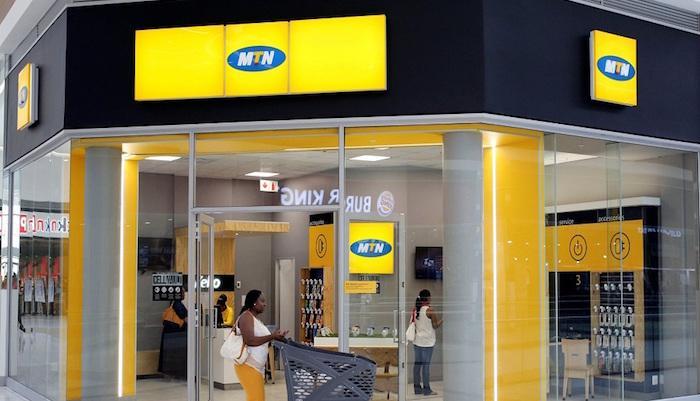
MTN Nigeria Warns Against Fraudulent 25GB Data Offers

Nigerians Face Rapid Data Depletion Amid Streaming Surge
Get Plus234Feed on messaging apps
Same headlines, delivered where you already scroll.


